






General
Wings 1.12.1 fixes Hytale re-auth with persistent machine-id
Wings 1.12.1 stops Hytale servers re-authing after every restart by persisting /etc/machine-id. See the change and upgrade steps.
Leer más3 min de lectura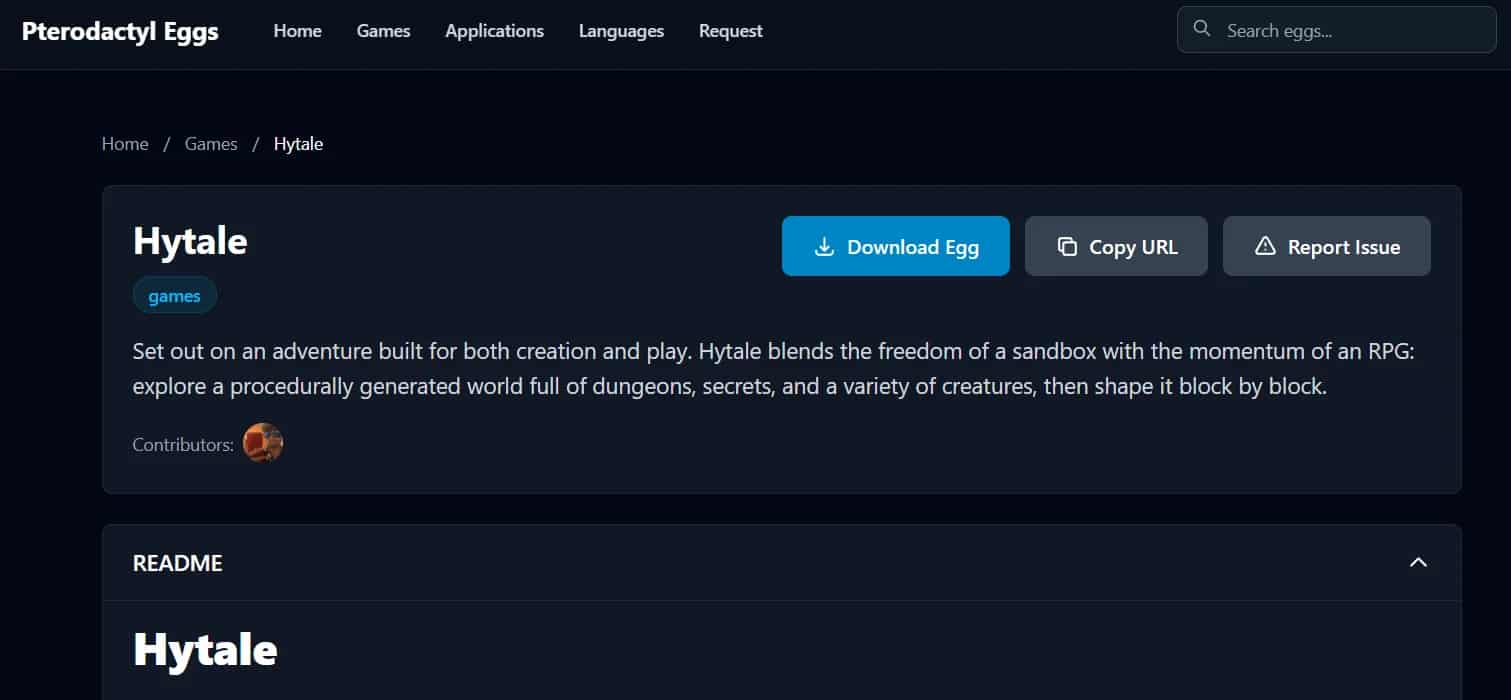

1/13/2026 ·Mizael Segovia· 4 min de lectura ·
3,633 visualizaciones
Nuestro equipo está listo para ayudarte con cualquier duda o problema que tengas.
ContáctenosIf you’re looking for a clean, automated, and professional way to run a Hytale server, the Hytale Pterodactyl Egg is exactly what you need.
This egg allows you to install and manage Hytale servers directly from the Pterodactyl panel, with no messy scripts or manual setup.
In this guide, you’ll learn what it is, why it matters, and how to use it properly.
A Hytale Pterodactyl Egg is a configuration file that tells Pterodactyl how to install, start, and manage a Hytale server.
In simple terms, it:
Defines the Hytale server installation process
Sets the startup command
Exposes configurable variables (RAM, ports, versions, etc.)
Allows full management from the Pterodactyl panel
Thanks to this egg Pterodactyl Hytale, Hytale can be managed just like Minecraft or any other supported game.
The egg pterodactyl hytale is designed to fully automate Hytale server management.
✅ Automatic Hytale server installation
✅ Panel-based server startup and control
✅ Resource management (CPU, RAM, disk)
✅ Real-time web console
✅ Easy backups and restores
✅ Full integration with Wings and Docker
If you’re running multiple servers or offering hosting, this egg is essential.
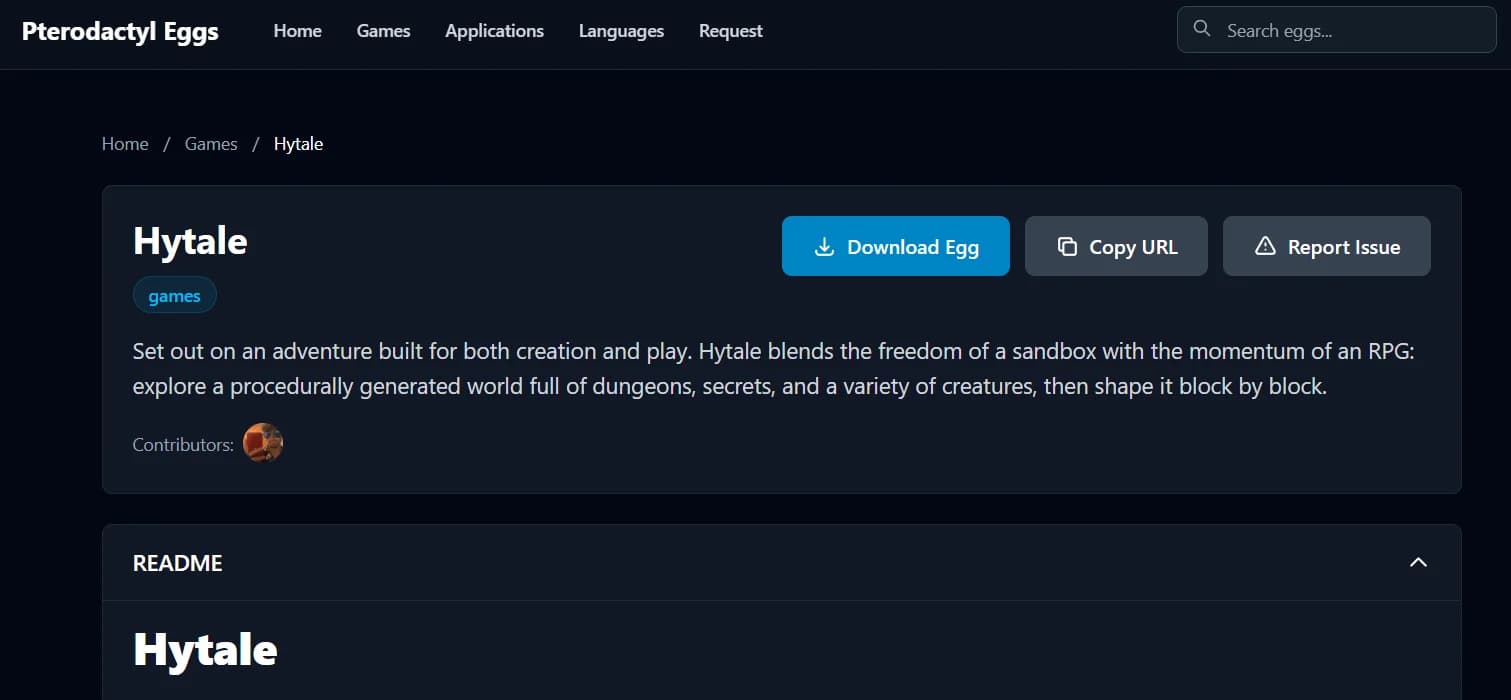
You can find the official Hytale Pterodactyl Egg in Pterodactyl’s public egg repository:
👉 https://eggs.pterodactyl.io/egg/games-hytale
This egg is built to work seamlessly with:
Pterodactyl Panel
Wings
Docker containers
Clean, reproducible deployments
Using the official egg helps avoid compatibility issues and unexpected errors.
Log in to your Pterodactyl admin panel
Go to Admin → Nests
Select an existing Nest or create a new one
Click Import Egg
Upload the Hytale Pterodactyl Egg JSON file
Once imported, the egg will be available for server creation.
Navigate to Admin → Servers → Create New
Select the Hytale Pterodactyl Egg
Assign resources:
Memory (RAM)
CPU
Disk space
Configure the server port
Create the server
That’s it. Your Hytale server is ready to install.
On first startup:
The egg downloads the required Hytale files
The environment is configured automatically
All logs are visible in the web console
If everything is set correctly, your Hytale server will be online and running.
The egg pterodactyl hytale exposes several customizable variables, including:
Maximum RAM allocation
Server port
Installation path
Startup parameters
Future server versions
These variables allow you to fine-tune each server without editing files manually.
Before using the Hytale Pterodactyl Egg, make sure you have:
An up-to-date Pterodactyl Panel
Properly configured Wings
Docker installed and running
Enough CPU and RAM (Hytale is resource-intensive)
Firewall ports opened
Meeting these requirements ensures smooth operation.
Yes — as long as:
You use the official egg or trusted sources
Your panel and Wings are kept up to date
You review startup commands and variables
The Hytale Pterodactyl Egg runs entirely inside Docker containers, following Pterodactyl’s standard security model.
Support depends on Hytale’s current development stage.
The egg is designed to support future extensions once officially available.
Absolutely.
The egg pterodactyl hytale is ideal for hosting providers offering professional Hytale server plans.
Not really.
Pterodactyl handles most of the heavy lifting. Basic panel knowledge is enough.
Definitely.
If you want a modern, scalable, and clean way to manage Hytale servers, the Hytale Pterodactyl Egg is the right tool.
It helps you:
Save time
Reduce configuration errors
Centralize server management
Prepare for Hytale’s future
Encuentra primero nuestros próximos artículos
Marca Teramont como fuente preferida para ver más de nuestras guías y noticias en Google, Top Stories y sus experiencias con IA.

Continúa explorando guías, noticias y análisis relacionados.
General
Wings 1.12.1 stops Hytale servers re-authing after every restart by persisting /etc/machine-id. See the change and upgrade steps.
Leer más3 min de lectura
General
Trace a broken Minecraft port 25565 through the process, server settings, UFW, cloud firewall, Docker, Pterodactyl, DNS, and NAT.
Leer más10 min de lectura
General
Complete guide to installing Pterodactyl Panel and Wings on Ubuntu 24.04 with Docker, MariaDB, Redis, nginx, SSL, validation, security, rollback, and troubleshooting.
Leer más8 min de lectura